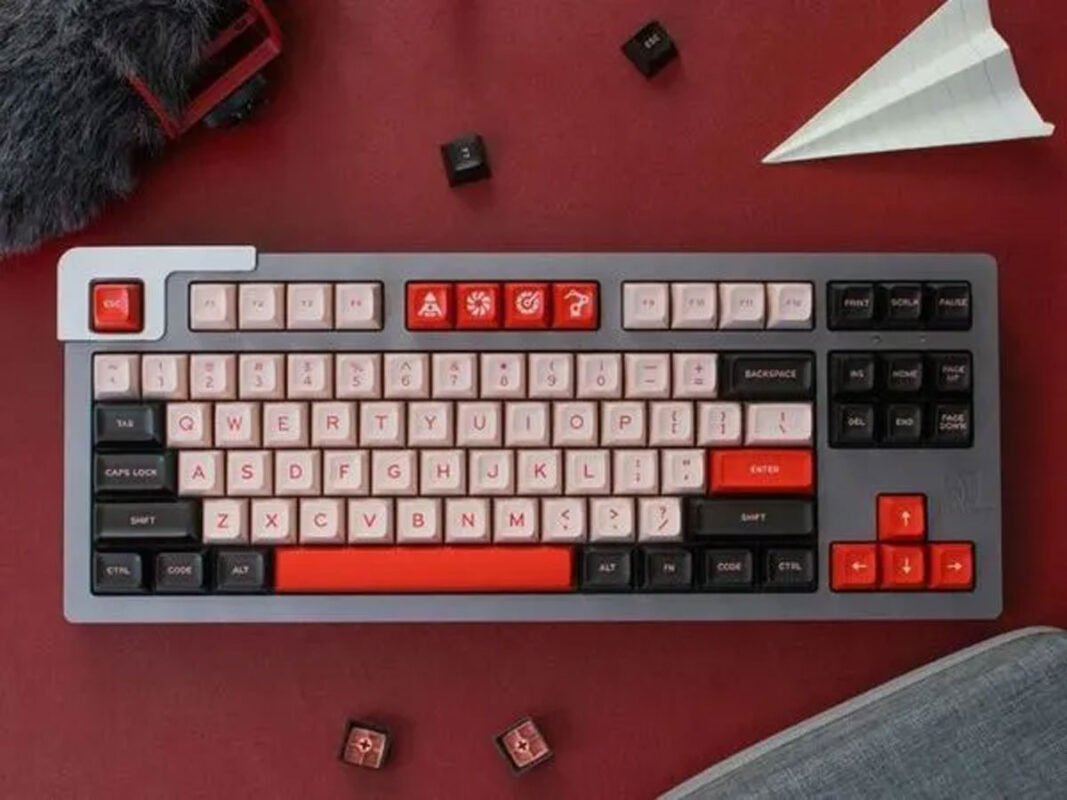

For keyboard enthusiasts, performance is about more than just the switches under each key. The shape, height, and sculpt of the keycaps themselves can dramatically influence typing comfort and accuracy. Understanding the different types of keycaps available today helps users build a setup that supports long hours of work, coding, or gaming without fatigue.
Keycap profiles refer to the height and contour of the keycaps across a keyboard. Some profiles are sculpted, meaning each row has a distinct angle and shape. Others are uniform, where every row shares the same height and shape. These differences may appear subtle at first glance, but they significantly affect how your fingers move across the board.
While many people focus on keyboard key switches when choosing a mechanical keyboard, keycap profile plays an equally important role in overall feel and typing efficiency. The interaction between switch and keycap determines travel distance perception, sound, and tactile response.
Popular Styles Like OEM, Cherry, SA, and DSA
Several keycap profiles dominate the enthusiast space, each offering distinct advantages.
OEM profile is one of the most common and widely available. It features a sculpted design with moderate height and a comfortable angle across rows. Many prebuilt mechanical keyboards ship with OEM keycaps because they strike a balance between familiarity and ergonomic support. For users transitioning from standard office keyboards, OEM often feels natural.
Cherry profile is slightly shorter than OEM and has a more subtle sculpt. Many typists appreciate Cherry keycaps for their lower height, which can contribute to faster keystrokes and reduced finger travel. The flatter top surface and refined curve can promote smoother transitions between keys, particularly during touch typing.
SA profile, by contrast, is tall and spherical. Its vintage-inspired design offers a deep, resonant sound and a distinctive aesthetic. Because of its height, SA can require a small adjustment period. Some users love the dramatic feel and satisfying acoustics, while others find the taller profile increases finger movement.
DSA profile takes a different approach. It is uniform, meaning each row shares the same shape and height. This flat layout can appeal to users who prefer a consistent key feel across the board. DSA is also popular in custom layouts where nontraditional key arrangements benefit from interchangeable rows.
Choosing between these profiles depends on personal preference and typing style. Some enthusiasts test multiple configurations before settling on the one that best supports their workflow.
Design Differences That Influence Speed and Accuracy
The height and contour of keycaps directly affect how quickly and accurately you type. Lower profiles such as Cherry can reduce the vertical distance your fingers travel, potentially increasing speed during repetitive tasks. Taller profiles like SA may create a more deliberate typing rhythm, which some users find beneficial for accuracy.
Sculpted profiles guide your fingers into specific rows, helping maintain orientation without looking down. This can enhance touch typing and reduce errors over time. Uniform profiles, on the other hand, provide flexibility for alternative layouts and ergonomic experiments.
Material and surface texture also contribute to performance. While the profile defines shape, the finish influences grip and comfort. Together, these elements shape the overall typing experience.
For enthusiasts researching where to buy mechanical keyboards, understanding keycap profiles helps narrow the options. Instead of focusing solely on aesthetics, informed buyers can prioritize profiles that support their daily needs.
Ultimately, keycap profile is more than a design detail. It is a functional component that shapes typing speed, comfort, and long-term satisfaction. By exploring different types of keycaps and how they interact with switches, users can build a keyboard setup tailored precisely to their preferences and performance goals.

Most Viewed