Something has changed in how working creators describe their AI tool frustrations. The complaint used to be about quality — outputs that looked artificial, proportions that broke, faces that melted. Those problems have not disappeared, but they have receded enough that the dominant complaint has shifted: the problem now is workflow friction. Switching platforms mid-project to access a different model. Rebuilding prompts from scratch because tools do not carry context between sessions. Losing visual consistency when moving from image generation to video. These are not technical failures — they are design failures. And they are what make the workflow logic behind Image to Image worth examining carefully rather than dismissing as another aggregator with a landing page.
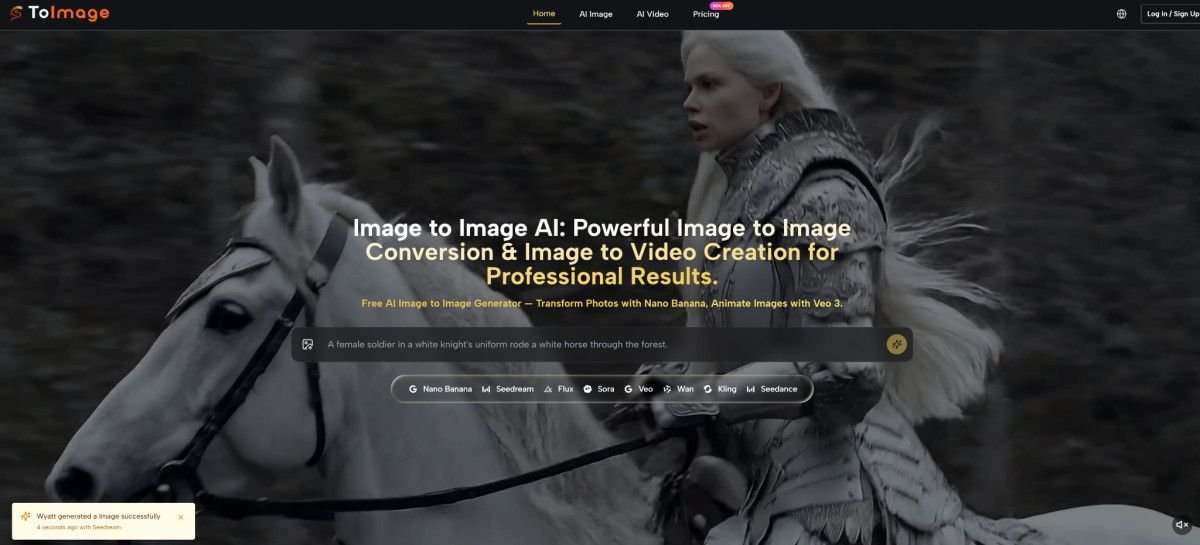
The platform’s organizing argument is that image transformation — starting from a visual asset you already have — produces more useful, more consistent, and more brand-coherent creative output than generation from a blank prompt. That argument is not radical, but it is specific, and specificity in product design tends to produce better tools than trying to be everything to everyone.
What Transformation-First Actually Means in Practice
The Difference Between Generating and Transforming
Starting From an Asset Changes the Creative Conversation
When you generate from a text prompt alone, you are describing something that does not exist and hoping the model’s interpretation of your words produces something close to your mental image. The gap between description and output is wide, and closing it requires either very precise prompt writing or many iterations. When you transform from a source image, you are giving the model a visual anchor. Your prompt describes the direction of change, not the entire subject. The model has less to invent and more to interpret. That shift — from invention to interpretation — tends to produce more predictable results within a creative series.
Nano Banana’s multi-reference input extends this logic further. Uploading up to four reference images means you can simultaneously anchor the model to a subject reference, a style reference, a lighting reference, and a compositional reference. In my testing framework, this is the most practically significant feature for anyone producing content series — brand campaigns, recurring characters, seasonal visual variants — where drift between outputs is the enemy of professional quality.
When Surgical Editing Is More Useful Than Full Transformation
Flux Kontext Handles the Edit-Not-Replace Use Case
Full transformation is not always what a session requires. Sometimes the source image is nearly right, and the task is to modify one specific element — change the background, replace a text overlay, adjust an object — while leaving the rest of the composition intact. Flux Kontext is built for exactly this use case. Its context-aware editing targets specific spatial zones or elements within an image without destabilizing adjacent areas. For product photography workflows where the product itself must remain pixel-accurate and only its environment changes, this is a more appropriate tool than a full transformation model. Using the wrong tool for the task — running a full transformation model on an image that needs a surgical edit — is one of the most common sources of disappointing results in AI image work.
Working Through the Platform: Step by Step
Step 1: Decide What You Are Making Before You Upload
Image and Video Are Organized as Separate Creative Tracks
The platform separates AI Image and AI Video into distinct navigation paths. This matters because it shapes which models surface and how the prompt interface frames your input. Deciding before you upload whether you are producing a still image or an animated clip prevents the disorientation of discovering mid-session that you are in the wrong model environment. The two tracks can serve the same creative project — producing a still with Nano Banana and then animating it with Veo 3 — but they are entered separately and require different prompt thinking.
Step 2: Upload and Write a Prompt That Gives the Model Constraints
Vague Prompts Produce Variable Results Across All Models
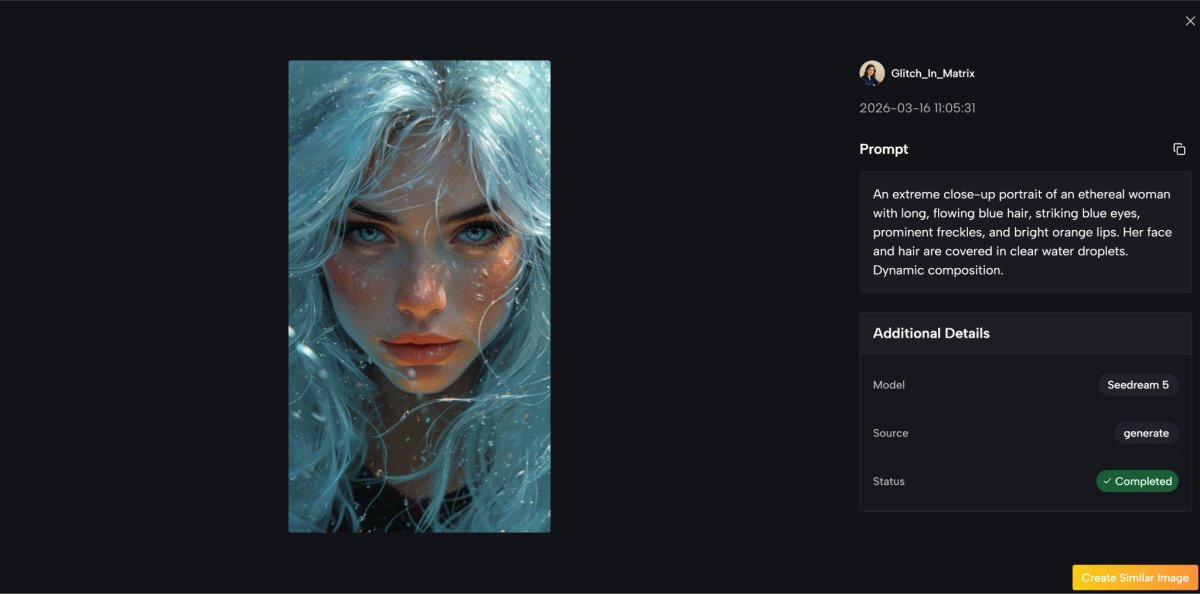
The homepage example prompts are a more useful onboarding resource than any tutorial, because they demonstrate the level of specificity that produces reliable results. A well-constructed prompt on this platform describes subject characteristics, material textures, lighting type and direction, color palette, compositional framing, atmospheric quality, and technical output parameters. That is more structure than most users apply to their first sessions. From a practical user perspective, spending ten minutes studying two or three of the example prompts before writing your own is a better investment than iterating through ten vague-prompt generations. The model roster is capable — the constraint is usually the prompt, not the model.
Step 3: Generate, Evaluate, and Allocate Credits Intentionally
Model Cost Differences Are Part of the Creative Decision
Each model carries a different credit cost. Nano Banana and Flux Kontext consume moderate credits per generation. Veo 3 video generation is the most credit-intensive operation available. The practical implication is that image generation supports exploratory iteration relatively well, while video generation rewards more deliberate prompt preparation before each run. Unused credits roll over on paid plans, removing the pressure to exhaust a monthly balance before it resets — a design choice that encourages using credits when the creative work actually calls for them rather than rushing to justify a subscription.
Three Scenarios Where the Workflow Logic Pays Off
Seasonal Campaign Variants From a Core Visual Asset
A brand that shoots one core product image per quarter and needs to extend it across multiple seasonal treatments — holiday, back-to-school, summer, spring — faces a consistent visual coherence problem. Each variant needs to feel like it belongs to the same family while occupying a different emotional register. The transformation workflow with Nano Banana’s multi-reference input is well-suited to this task. You anchor the generation to the core product image and a style reference for each seasonal treatment, and the model produces variants that maintain product fidelity while shifting the surrounding atmosphere. Results may vary with complex source images, and consistency is probabilistic rather than guaranteed — but the structural workflow is more efficient than rebuilding each seasonal treatment from a blank prompt.
Social Video From Existing Still Content
Image to Image AI offers Veo 3 for image animation, and the native audio generation capability is the feature that most changes the production math for social content creators. Animating a still image into a short video clip is not new. Receiving that clip with a synchronized audio layer — ambient sound, dialogue, effects — generated natively from the visual content is less common. For creators whose primary output is still photography or illustration but who face platform pressure to produce video, this path removes a post-production step that previously required separate audio tooling or significant manual work. The honest limitation: complex multi-subject motion or precise physical simulation is harder to control than simple single-subject animation, and result consistency varies with scene complexity.
Text-In-Image Work for Ad Creatives
Flux Kontext’s text rendering capability addresses a specific pain point in marketing production: adding, replacing, or modifying text within an image while maintaining the surrounding visual integrity. AI-generated text within images has historically been unreliable — letters deform, words blend into backgrounds, type treatment breaks under transformation. Flux Kontext is positioned to handle this more precisely. In my assessment, the capability performs most reliably when the text zone is spatially clear in the frame. Dense layouts or text positioned against complex backgrounds require more iteration.
Honest Assessment: Model Capability Versus Workflow Fit
| Use Case | Recommended Model | Learning Investment | Result Consistency | Best For |
| Style transfer across a visual series | Nano Banana (multi-ref) | High prompt specificity | Moderate to high with clear refs | Brand and campaign content |
| Single-element edits in existing image | Flux Kontext | Moderate | High for spatially distinct targets | Product and ad imagery |
| Fast exploration of multiple directions | Seedream | Low to moderate | Variable | Early creative development |
| Still image to animated social clip | Veo 3 | High for motion prompts | Moderate, varies with complexity | Short-form video content |
What the Platform Does Not Resolve
No aggregation of capable models eliminates the need for prompt skill. The breadth of the model roster means that a vague or misdirected prompt can produce outputs that are competent but wrong — technically well-rendered but not what the session required. Users who invest in understanding how each model responds to different prompt structures will get meaningfully better results than those who treat all models as interchangeable.
Multi-reference input is powerful and adds complexity in equal measure. Four reference images that have conflicting visual languages — different lighting temperatures, incompatible aspect ratios, mismatched stylistic registers — can produce outputs that feel incoherent rather than controlled. Starting with fewer references and adding specificity incrementally is a more reliable path for new users than loading maximum references from the first session.
Credit management requires some planning for video-intensive workflows. Users who expect to run video generation sessions exploratorily may exhaust credit allocations faster than expected. Building a prompt with sufficient specificity before committing to a video generation — rather than iterating freely — is the more economical approach.

The Realistic Assessment of Who Benefits Most
The platform’s design assumptions favor creators who bring organized source material, have some existing understanding of prompt structure, and are producing content within a defined visual system rather than exploring freely without a creative brief. The transformation-first workflow is a genuine structural advantage for that user — it reduces the distance between reference and output, supports visual consistency across a series, and consolidates model access that would otherwise require multiple platform relationships.
For users whose primary mode is open exploration without reference assets, the platform offers capable models but does not provide the structured guardrails that some simpler tools build in to compensate for low prompt specificity. The ceiling is high; the entry curve is real.

Most Viewed